Poreia can continue recording your GPS position even when the app is in the background or your screen is off.
Background tracking requires the "Always" location permission:
Without this permission, tracking stops when you switch apps or lock your screen.
When background tracking is active:
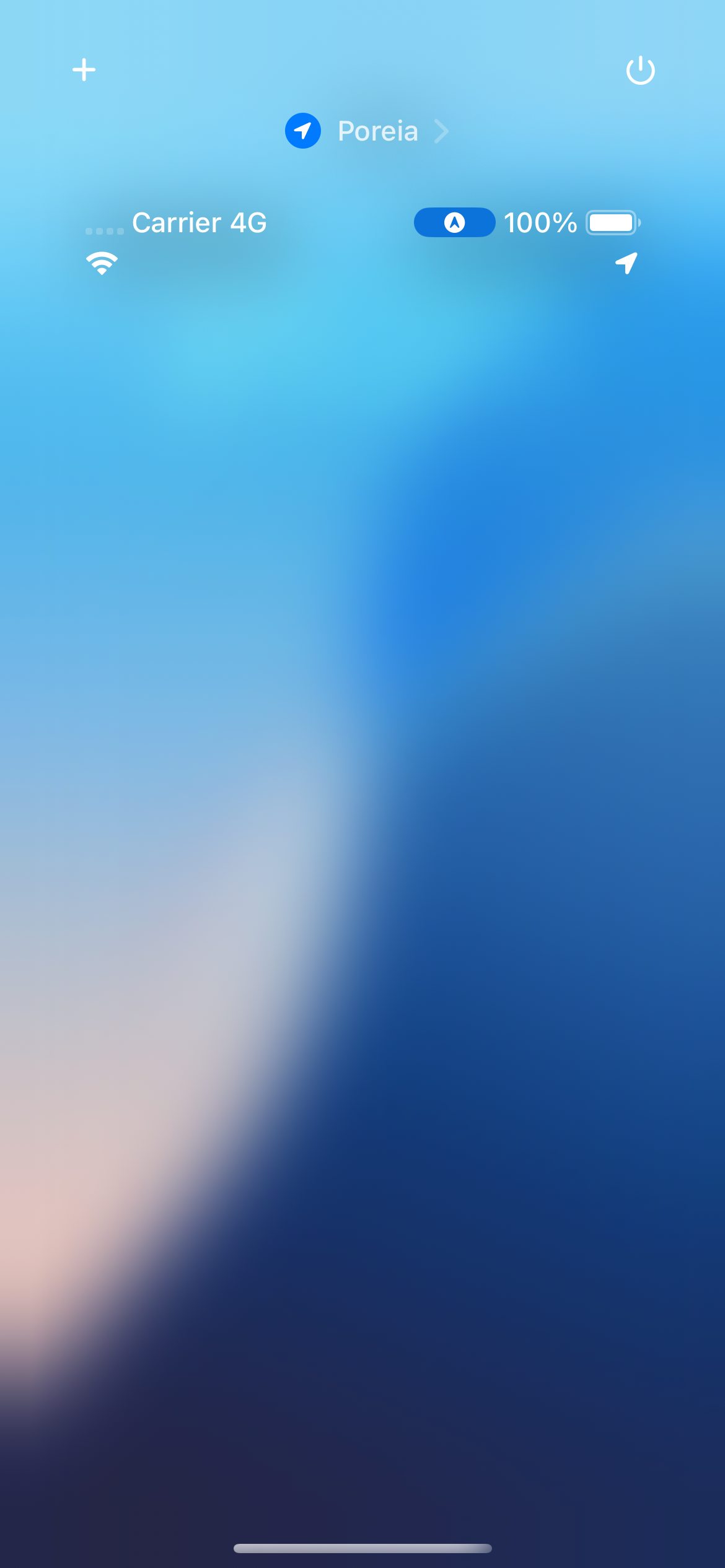
When you grant "Always" permission, iOS allows Poreia to receive GPS updates in the background. Updates continue based on your Travel Speed setting.
Background GPS tracking uses battery, but Poreia is designed to be efficient:
Typical battery usage is similar to other GPS tracking apps.
If you have auto-pause enabled with notifications on, you'll receive alerts when:
This is useful when your phone is in your pocket—you'll know if tracking status changed.
If you only grant "While Using" permission:
This is fine if you prefer to keep the app visible during your activity.
iOS may terminate background apps in low-memory situations. Poreia protects against data loss with: