Poreia is a lightweight GPS tracker that records your path as you walk, hike, bike, drive, or fly. Unlike traditional GPS apps, it intentionally omits map tiles—it just records your route and lets you export it for use in other tools.
When you first open Poreia, you'll be asked to grant location permission. For the best experience:
See Permissions for a detailed explanation of what each permission does.
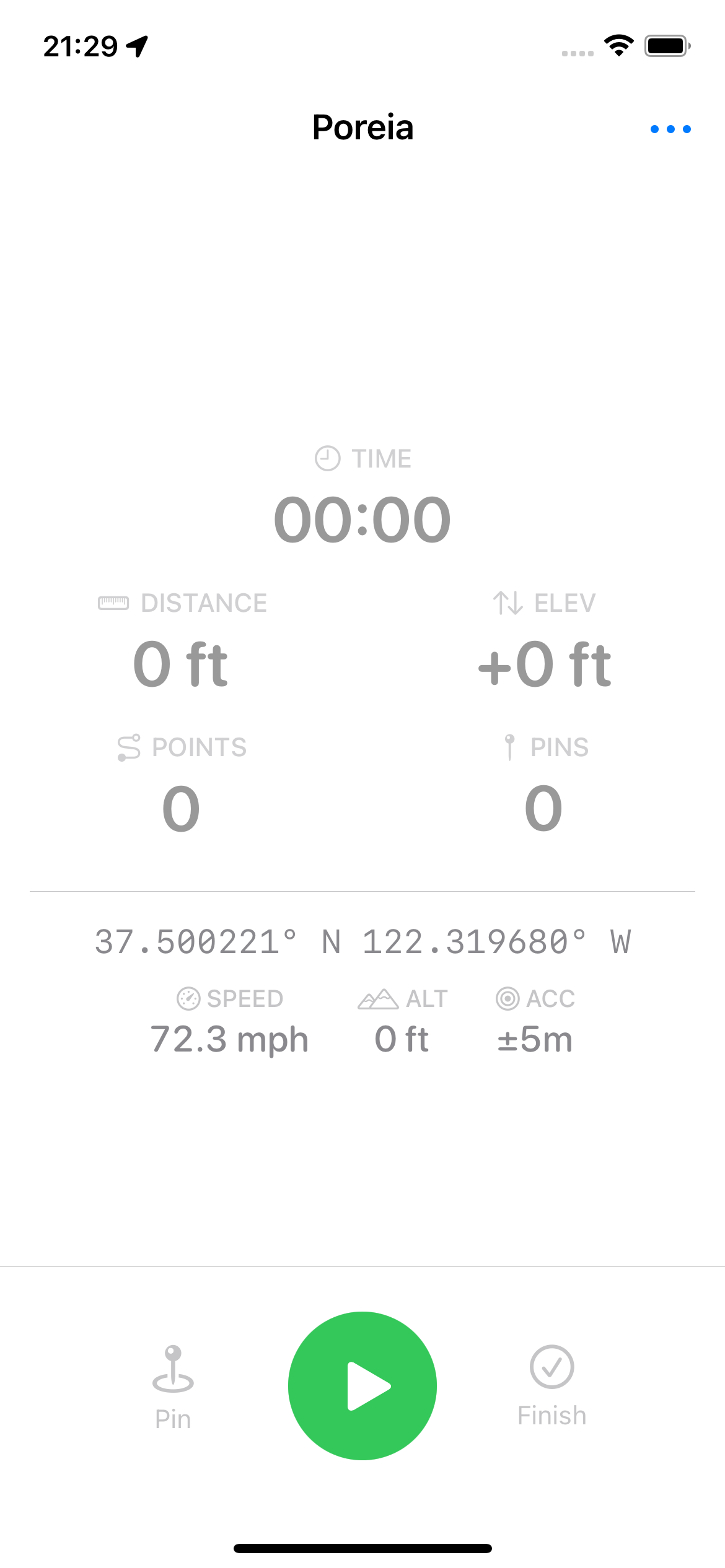
The main screen shows your current GPS coordinates and three control buttons:
| Button | Tap | Long-Press |
|---|---|---|
| Pin | Drop a waypoint at your current location | Name the waypoint before dropping |
| Play/Pause | Start, pause, or resume tracking | — |
| Finish | Save the current track | Discard the track without saving |
Your track is now saved and can be viewed in the Saved Tracks list.
While tracking, Poreia records:
Points with poor accuracy (worse than your accuracy threshold) are automatically filtered out.
Poreia has no user accounts, no analytics, and no third-party services. Your location data never leaves your device unless you explicitly export and share it. See Privacy for details.