Waypoints (also called pins) let you mark specific locations during your track. They're included in all export formats.
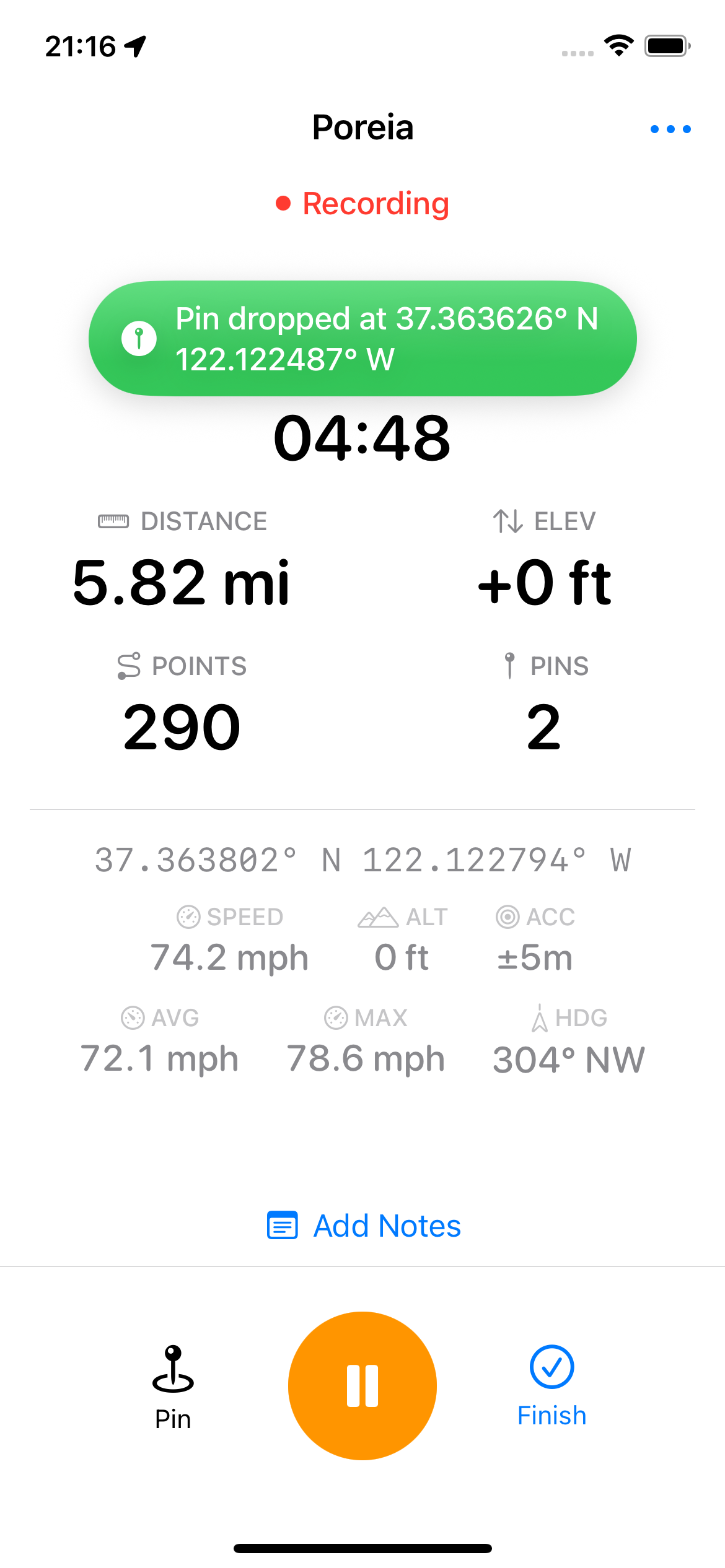
You can drop waypoints while tracking or while paused:
A notification briefly appears confirming the pin was dropped.
When enabled in Settings, Poreia automatically drops waypoints at key moments:
| Event | Pin Name |
|---|---|
| Track started | Start |
| Manually paused | Paused |
| Manually resumed | Resumed |
| Auto-paused (stationary) | Auto-Paused |
| Auto-resumed (moving) | Auto-Resumed |
| Track finished | End |
| Low Power Mode on | Low Power Mode On |
| Low Power Mode off | Low Power Mode Off |
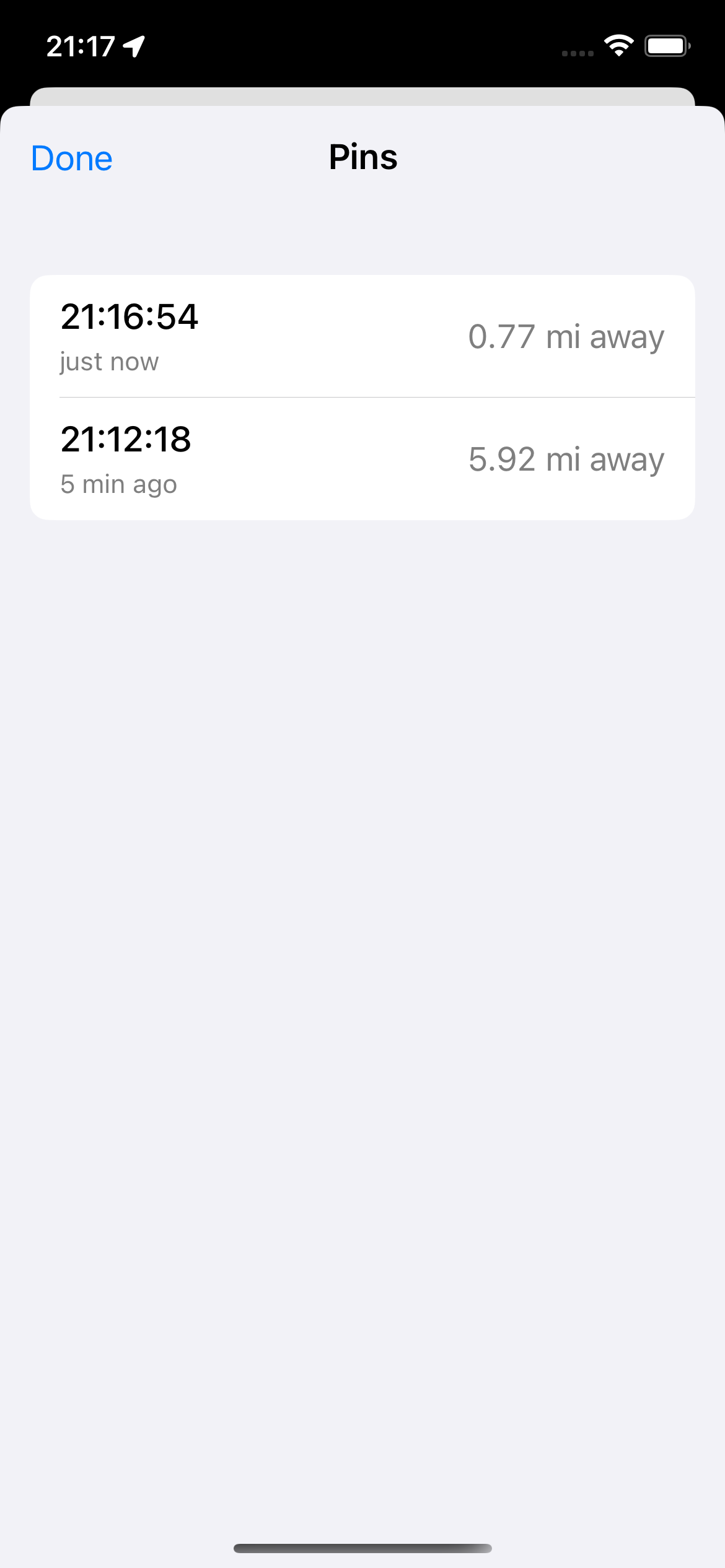
During an active track, tap the menu button (three lines) to see a list of all dropped pins. Each pin shows:
All waypoints are included when you export your track:
<wpt> elementsIn the track details view, the map preview shows waypoints as small dots along your route.